

The Echo Chamber
/
THIS WEEK, THE WEEK BEFORE CHRISTMAS, FOR MOST OF US, I AM GOING TO TAKE YOUR MIND OFF THE DRUDGERY OF SHOPPING BY REFOCUSING YOUR INTELLECT ON THE DRUDGERY OF TROUBLESHOOTING AN UNUSUAL BUT DEEPLY FRUSTRATING PROBLEM WITH THE ZOOM SOFTWARE AND ITS RESULTING ECHO… ECHO… ECHO… ECHO… ECHO… ECHO.
But first some important announcements:
1) There will be no Macro Talk or Macro Talk Too during the week of December 22, 2025 - That is, no livestream on Tuesday or Thursday of Christmas week. I will be traveling to visit my offspring, a 12 hour drive, according to Google Maps.
2) This week's programming includes two livestreams, a Pzoom, and the last Tangent before the holiday. In the livestreams I am going to talk about something personal and important to what I do here. I am going to dissect my complicated relationship with the YouTube platform, but I am going to do so from two distinctly different perspectives.
On Tuesday I am going to make the argument that in YouTube we are bearing witness to one of the internet's most spectacular successes. A technological and social marvel, unparalleled in our history. Come on Tuesday and let me try to sell you on this idea - here is your link - https://youtube.com/live/1CyCjYvfjgI?feature=share
And then on Thursday I put on my content creator's hat and share my thoughts on YouTube as a disconnected and callous employer who's motives are so out of alignment with those of some of their content creators, that the idea of leaving begins to feel inevitable. I attempt to make sense of this tug of war from both of these, very different perspectives. Join the conversation on Thursday in Macro Talk Too at 2pm - here is the YouTube link -https://youtube.com/live/7KKfC9Stbts?feature=share
3) AfterStack is now a once-monthly gathering that will take place on the first non-Pzoom Saturday of every month. The next AfterStack will happen on Saturday January 10th, 2026 at 10AM. The one after that will happen on February 14th (Valentines Day) 2026, also a Saturday and also starting at 10AM.
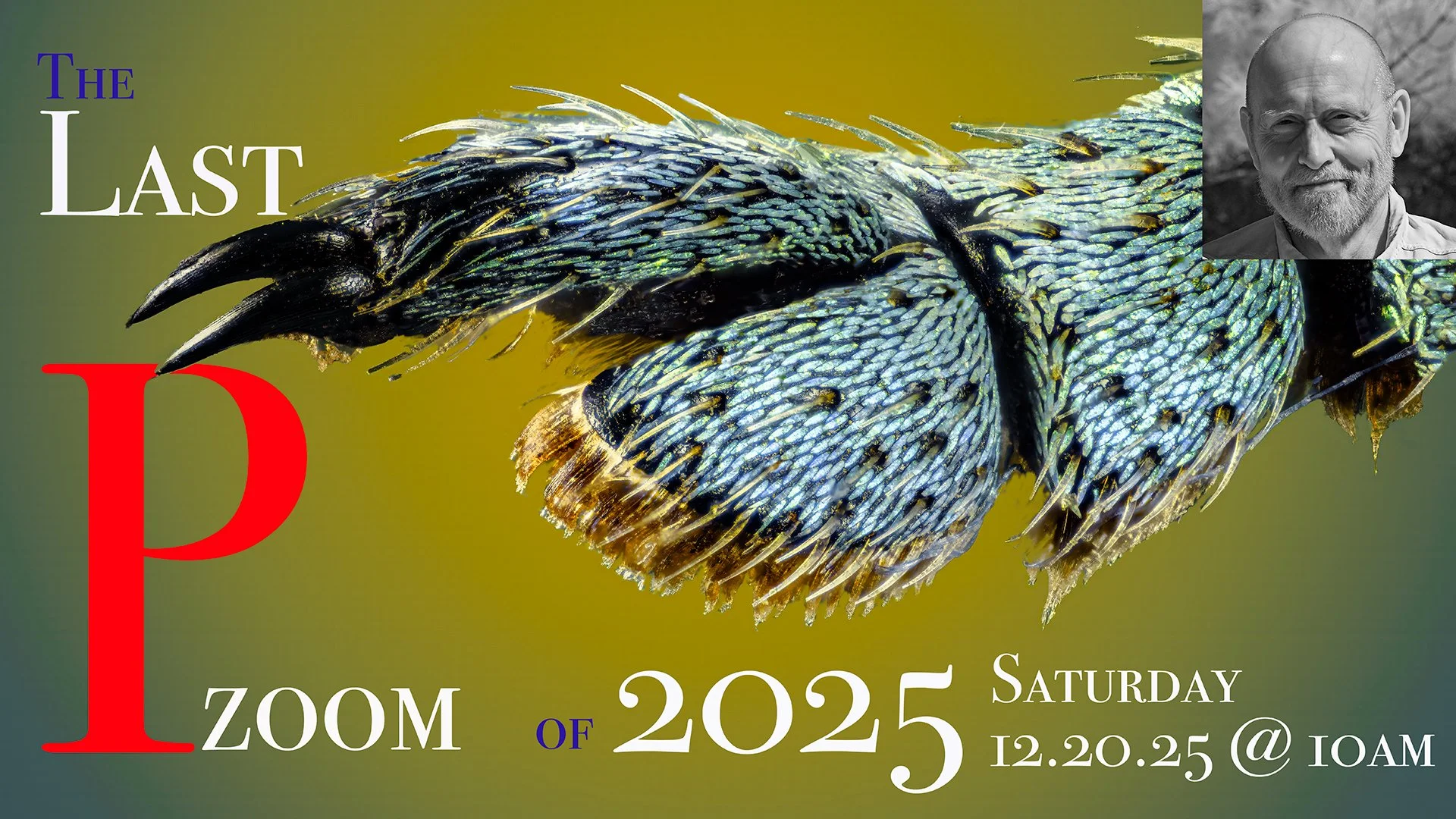
4) This Saturday, December 20th is both a Pzoom day and also a Tangent day (see #5, below). Your Pzoom invitation is here (but only visible to Patreon Supporters wearing fully charged Pzoom Decoder Eyeglasses):
Otherwise this will be a conspicuously blank space...
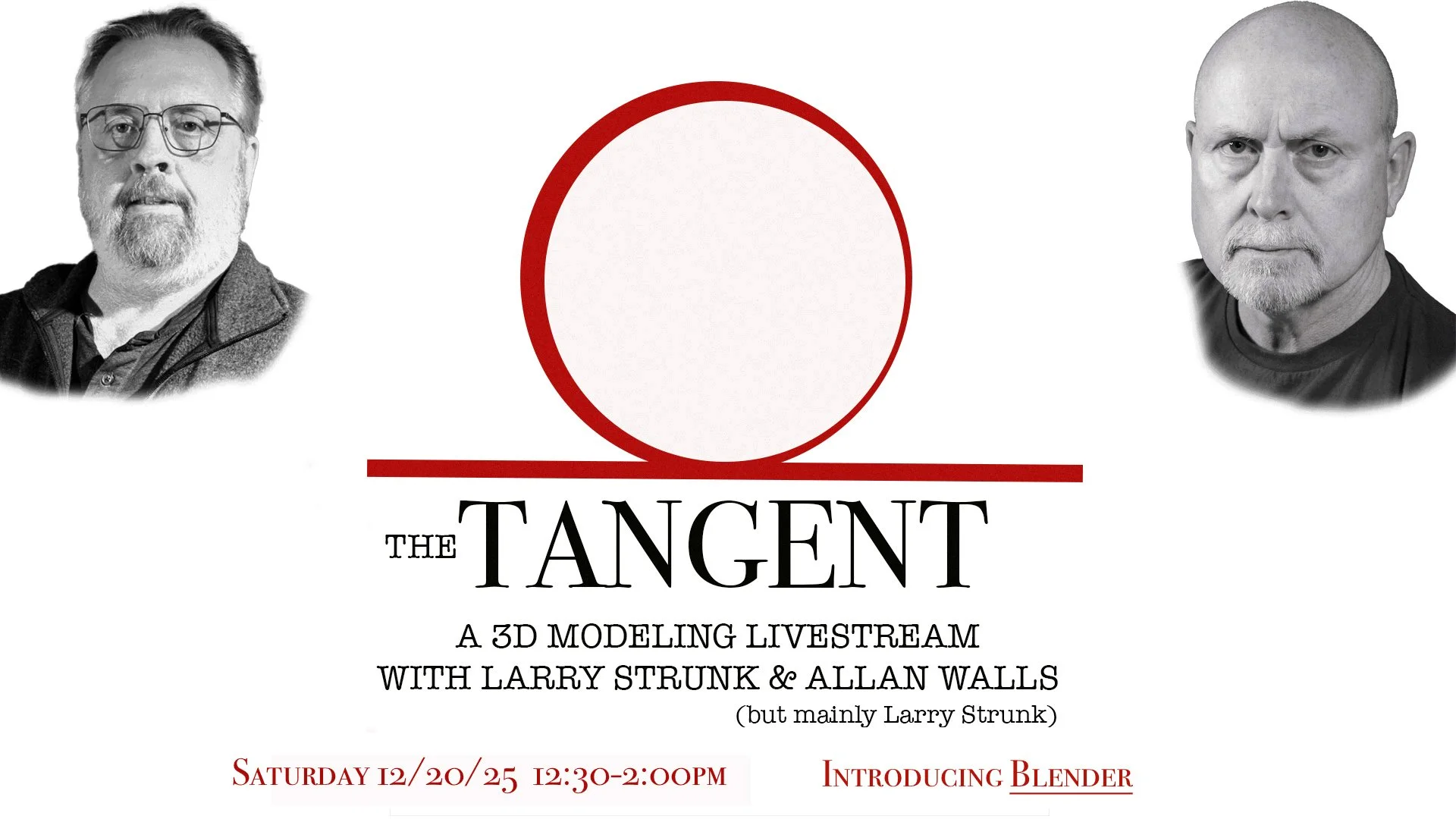
5) The Tangent meeting (3D modeling and printing) will grapple with learning how to use the Blender software and your invitation is right here….
Topic: Allan Walls’ Tangent, with Larry Strunk
Time: Dec 20, 2025 12:30 PM Central Time (US and Canada)
Join Zoom Meeting
https://us02web.zoom.us/j/6916802815?pwd=TS9tZi9ZL1NXeVUvOUF4eTg5YjdlZz09&omn=87185774717
Meeting ID: 691 680 2815
Passcode: 678122
Join instructions
https://us02web.zoom.us/meetings/87185774717/invitations?signature=lyp3vTy85psy3vB4qKp92ilGsfs_Ci3nFTSadkKwXkg
6) Allan Walls Photography (AKA “I”) could really use your help. Recent decreases in Patreon contributions, together with reductions in affiliate marketing and advertising revenues, and a sharp uptick in operational expenses have put the channel under considerable financial strain. I hesitate to ask for your help, knowing that many of you are feeling the same pressures in your own lives. If that is the case, please ignore this message - I do not want and cannot accept support from anyone who is in a similar situation. But if you are able to help the channel meet some of it’s outstanding year-end expenses, and if the content you find here provides you with something of value, please consider supporting the work that is done here. Joining Patreon is one very effective way to help on an ongoing basis (www.patreon.com/allanwallsphotography), but if you are uncomfortable with the idea of a monthly contribution, a one-time contribution would also be greatly appreciated. You can make such a contribution by going to PayPal.com and entering allanwalls@me.com in the recipient field. If you prefer to use the mail, my address is…
Allan Walls , 2417 W. Wagner Lane, Peoria, Illinois 61615
I do not like to impose on you in this way and would not do so if I had not exhausted all other options. I am most grateful to everyone who has offered support in the past and who is currently supporting me through Patreon - Would not still be here, doing this work, without your generosity. Thank you!
7) On a more positive note, I am looking for another 6-10 volunteers willing to be beta-testers for the Agentic LLM, an AI Concierge software tool that I am developing for use through my internet app (www.walls-app.com) and my website (www.allanwallsphotography.com/concierge). This AI-powered tool will, at long last, allow visitors to my channel to find and organize my back-catalog of video, livestream, and written content (well over 800 hours of macro content) to find exactly the material you are interested in, rapidly and accurately, and at no cost to you. As the tool develops I will give early access to beta-testers in exchange for structured feedback on your experience with the software (named “Pat GPT” in honor of Patrick Stahel, the inspiration for this addition to the channel. Testers will be asked to complete a questionnaire, consisting of half a dozen questions, after each use session. The test period will be kept as short possible while still providing actionable feedback on the functionality and performance of the device. Test sessions should be comfortably completed in under 30 minutes. Your feedback will be used to find snd correct errors prior to full release of the AI Agent through the channel. I have been working very hard on this project and I have great hopes that it is going to change the way you will use the huge collection of macro photography content I have published over the last seven years. It will include instructions on how to use the tool, but it will also be very intuitive. If you have ever wondered how you would go about finding my demonstrations of bee cleaning, discussions about Helicon, or comparisons of focusing rails (or anything else in the macro world), you are going to love this exciting new addition to the channel. And if you think you would like to join the team of beta testers and give the device a test drive before it is released, please get in touch through the Walls app (www.walls-app.com) message center and make sure I have your current email address and phone number. I will send you the documentation and testing instructions as soon as I have the initial build operational.
*****
The Zoom Echo - a Cautionary Tale for Zoom Users
Note: If you, like me, are using Zoom every day and rely heavily on the technology to provide clear audiovisual communications with clients, student, colleagues, or friends and family, and if you also happen to use an Apple iPhone, this story is for you. For the last week and a half I have been driven to distraction by a strange new set of set of symptoms that have been affecting every Zoom call I have made. The symptoms are something I have never encountered in this combination and consist of the following:
1) The person with whom I am meeting hears a distracting echo when they speak;
2) I do not hear any echo;
3) my guest does not hear an echo of me when I speak;
4) The echo vanishes when I mute my microphone;
5) Selecting a different microphone in Zoom does not alter the guest's echo;
6) Selecting a different speaker also fails to make any difference; and
7) Rebooting the computer or restarting the Zoom app also make no difference.
These were the main characteristics of this apparent bug and the bottom line was that everything I tried did not get rid of this maddening echo. I must have spent the better part of a workday trying to sort this out, following every recommendation and piece of advice I was offered. Finally, I decided to try Chat GPT again. I had started out with the LLM but I did so before I had all of the symptoms documented and I believe that this led to an unhelpful answer. The second encounter with Chat GPT was what finally got to the root of the problem and it occurred to me that others are likely to encounter this perplexing issue at some point, especially those of us who live and work in Apple’s increasingly interconnected ecosystem of Macs, iPhones, microphones, and displays.
To recap, the issue presented itself in a rather counterintuitive way. During Zoom calls, other participants complained of a pronounced echo, yet none of the usual clues were present. They were not hearing my voice echoed back to them; instead, they were hearing their own voices returned with a slight delay. From my end, everything sounded perfectly normal. I heard no echo at all. Even more oddly, the moment I muted my microphone, the echo vanished entirely. Unmuting it brought the problem right back. This happened regardless of which microphone I used—built-in, external, or via an audio interface.
At first glance, this doesn’t fit the familiar echo scenarios most of us know. It wasn’t room acoustics, speaker feedback, or a forgotten pair of headphones. The room hadn’t changed, the computer hadn’t changed, and Zoom itself hadn’t been updated in the interval when the problem appeared. The only recent change was an update to my iPhone’s operating system, which initially seemed irrelevant. As it turned out, that detail mattered a great deal.
What was actually happening had nothing to do with microphones at all. Zoom installs an optional internal component known as a virtual audio device. Its purpose is to allow Zoom to do useful things such as sharing computer audio into a meeting, mixing sources, and managing echo cancellation. Under normal conditions it sits quietly in the background, unnoticed.
Recent Apple updates, however, have made macOS and iOS far more proactive about advertising microphones, speakers, and audio routing between devices. After the phone update, my Mac silently rebuilt its internal audio map. In that process, Zoom’s virtual audio device began behaving badly. Instead of simply assisting Zoom, it started feeding Zoom’s output—the voices of other participants—back into Zoom’s input. Zoom, doing exactly what it was told, then sent that audio back to the meeting. The result was that other participants heard themselves echoed, while I heard nothing amiss because I wasn’t monitoring that internal loop.
This also explains why changing microphones made no difference. The problem wasn’t the mic, the speakers, or the audio interface. It was a software loop. Muting my microphone broke the loop instantly, which is why the echo stopped the moment I muted—even though nothing physical had changed.
Once understood, the fix was straightforward. Using macOS’s Audio MIDI Setup utility, I confirmed the presence of Zoom’s virtual audio device. Because it’s a protected system component, it can’t be deleted manually. Instead, the correct approach was to uninstall Zoom using its own uninstaller, explicitly choosing the option to remove the Zoom audio device, restarting the Mac, and then reinstalling Zoom cleanly. Unless you routinely share system audio into meetings, this virtual device isn’t necessary at all.
After reinstalling, I took the additional step of explicitly selecting “real” hardware in Zoom—an actual microphone and actual speakers—rather than allowing defaults or automatic switching. I also disabled unnecessary audio enhancements. With that done, the echo disappeared completely. Calls returned to normal, with no loss of audio quality or functionality.
I’m sharing this experience because nothing was obviously broken, misconfigured, or mishandled. This was an emergent problem created by increasingly complex and well-intentioned automation across multiple devices. If you ever encounter a Zoom call where others complain of hearing themselves, you hear nothing wrong, and muting your microphone instantly fixes the issue, the cause is almost certainly a virtual audio loop rather than a bad microphone or poor acoustics.
Hopefully this little tale saves someone else a few hours of confusion—and reassures you that, occasionally, the problem really isn’t you.

weevil